How to Manage Student Re‑Admissions UDISE+ Special Cases
Managing student data in UDISE+ can be a bit tricky when a student returns after leaving or being marked as “inactive.” This article will guide you on how to manage re-admissions in UDISE+, making sure you don’t lose any important data and keep everything organized.

What is Student Re‑Admissions?
Student re-admission is when a student who was previously marked as “left,” “inactive,” or deleted comes back to school. UDISE+ assigns a unique identifier (PEN) to each student, and this number stays with them even if they leave or return. Re-admission is the process of bringing them back into the system without creating a duplicate record.
Common Scenarios for Student Re‑Admissions
There are a few typical situations where re-admission is needed:
A Student Leaves and Comes Back
Sometimes a student leaves school but returns later. This could happen after receiving a Transfer Certificate (TC), or just after a break. In this case, the student’s old PEN should be reactivated.
Inactive Students
If a student was marked inactive by mistake, their record just needs to be updated to “active” again.
Accidental Deletion
In some cases, student records get deleted by mistake. When this happens, their information needs to be restored.
Student Moves Between Schools
If a student moves to another school and later returns, it’s important to bring back their original PEN to avoid creating a new record.
Managing Re‑Admission in UDISE+
When a student returns to school, the goal is to bring their record back without creating a new entry. This keeps the student’s history intact, like their academic performance, and avoids duplication.
First, you should always search for the student’s PEN in the system before trying to add them again. If the student is already listed, it’s easier to simply reactivate their record. This way, you avoid creating duplicate records.
If the student’s record was marked inactive or left, you can update their status to “active.” Be sure to check if other details like their class or section need updating. This ensures that the student’s current information is accurate.
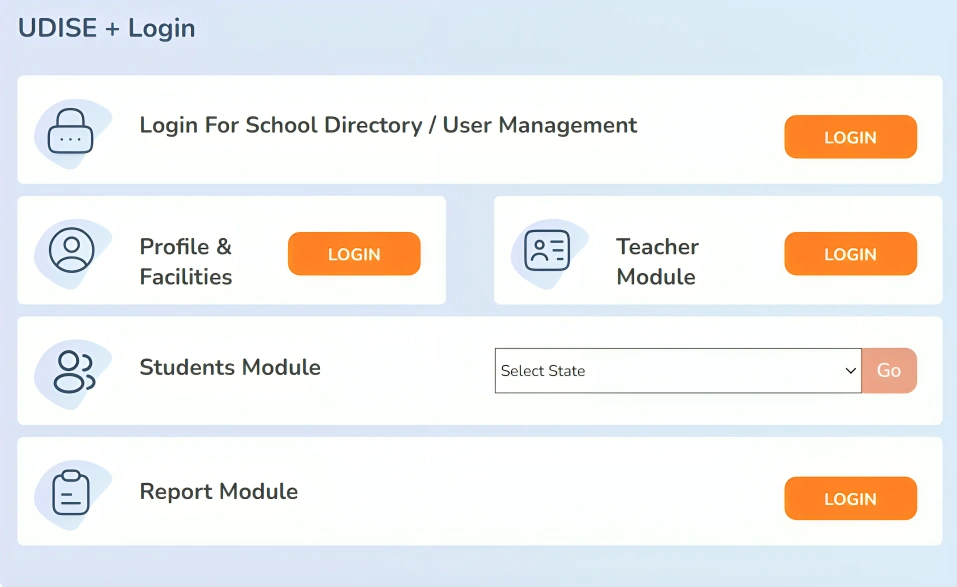
In cases where the student’s record has been accidentally deleted, you might need to contact the Block MIS Coordinator or use the district’s data management system to restore the original record. Restoring the student’s previous PEN ensures that all their past records are kept intact.
Once the student’s record is active again, it’s important to double-check all their details, like name, date of birth, and class. If there are any changes, update them, and save the record. This ensures everything is correct before you submit it for official review.
Tips to Avoid Common Problems
Avoid Duplicates: Always search for the student’s original PEN before creating a new record. This ensures no duplicates are created.
Keep Records Handy: Make sure you have the student’s Transfer Certificate or other official documents ready, as they’ll be useful for verification.
Work with the MIS Team: If you can’t find a student’s record or if it’s been deleted, reach out to your Block or District MIS coordinator for help. They can assist in restoring the record.
Don’t Rush: Make sure the student’s details are correct before submitting the updates. Small mistakes can cause big problems later.
FAQ’s
Final Words
Managing student re-admissions in UDISE+ doesn’t have to be difficult. The key is to always look for the student’s original PEN and ensure their information is updated without creating duplicates. By following the right steps, you can keep student records clean, accurate, and up-to-date, making sure that the school’s data remains organized and error-free.
If you run into any issues, don’t hesitate to ask your Block MIS Coordinator or use the district’s support system to help restore missing data. Keeping records accurate ensures that all students are properly counted and can receive the benefits and support they need.