UDISE Plus Login Errors: How to Resolve Them
If you’re managing school data and you’re stuck at the login screen of UDISE Plus — maybe it says “Invalid credentials”, “Account locked”, or just won’t respond — don’t stress. We’ll walk through the most common login problems, why they happen, and how you can fix them step by step.

Common Login Errors & What They Mean
Here are some of the usual login issues schools and teachers face:
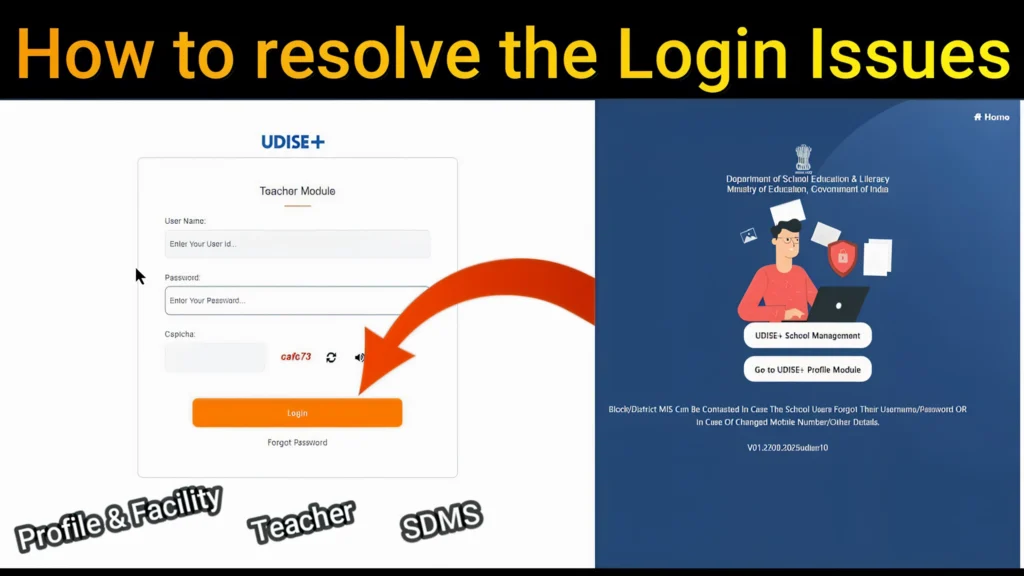
Step‑by‑Step: How to Fix Login Errors
Here’s how you can try to resolve these errors — just like talking through with a friend:
- Confirm you’re entering the correct school’s UDISE code (usually an 11‑digit code). Udise+1
- Make sure you’re typing the password exactly (watch uppercase vs lowercase).
- If your code was previously 10 digits, try adding a leading zero. Udise
Use the “Forgot Password” or “Reset Password” option on the portal. Know Your School+1
Make sure the mobile number registered in the system is active — the OTP or SMS needs to arrive.
Sometimes the page is stuck because of a browser issue or cookies. Clear history or switch to Chrome/Edge/Firefox.
Re‑enter the captcha carefully; sometimes it fails because of stale session.
If your account shows “locked” or “inactive”, the MIS office can unlock or reissue credentials.
If the mobile number or user details have changed, ask them to update in the directory.
Make sure you have a stable internet connection.
If you’re using a school network firewall, try a different device or network to rule out restrictions.
If the portal page doesn’t load, check if there are maintenance downtimes.
If you logged in but don’t see your module (e.g., Teacher Module, School Profile Module), your role might not be enabled. Ask MIS to assign correct module access.
Pro Tips to Avoid Login Problems in Future
FAQ’s
Final Words
Getting locked out or stuck at login for UDISE Plus can be frustrating — but a few checks and a little action go a long way. Make sure your credentials, mobile number, browser and account status are all in order. When everything is set, you’ll be back inside in minutes and ready to work on school data without interruption.