Why Your School’s UDISE+ Status Shows as In Working
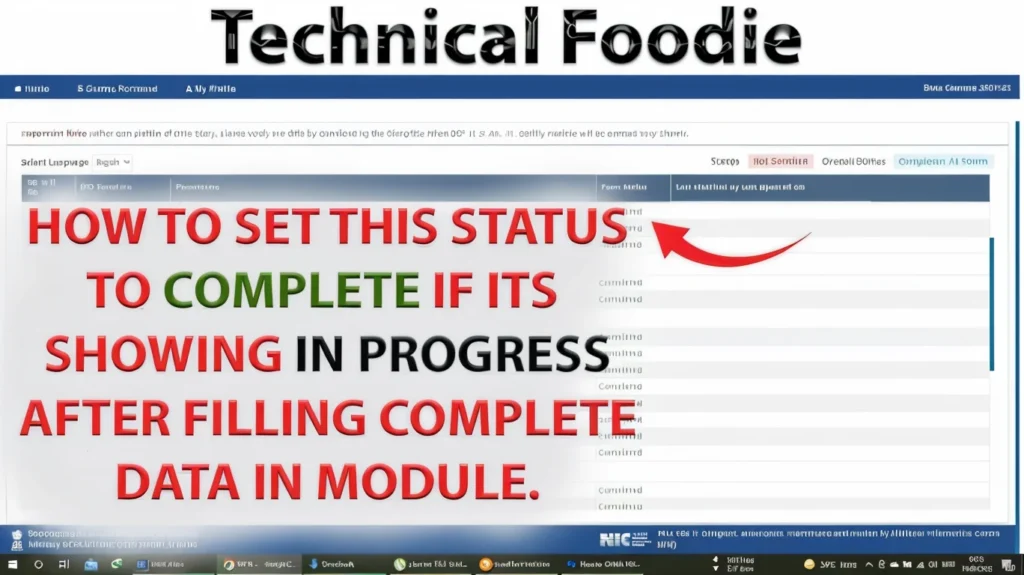
When the UDISE+ system shows a school status as “In‑Working”, it means the school profile or its data submission is still under processing. In other words:
The school’s profile may have been created but not yet fully verified or approved. The teacher‑module or facility data entry might be incomplete or awaiting validation. Some required validations or approvals (block, district or state level) are still pending.
So the school exists in the system, but the status hasn’t moved to “Active” or “Approved” yet.

Why does this happen?
There are several common reasons why the status stays “In‑Working”:
The school submitted its profile or update but district/block MIS officer hasn’t yet verified it.
There are missing or mismatched details (e.g., school address, UDISE code, management type) that prevent approval.
The teacher or staff data entry linked to the school may be incomplete (for example: missing teaching staff list, missing qualifications).
The school may have just been newly added, and the workflow for approval is still going through the stages.
The module or data entry deadline may be approaching and the system is waiting for final “certify” action by the school.
What you should do — step‑by‑step
Here’s a friendly step‑by‑step checklist you can follow to move your school from “In‑Working” to “Approved/Active”:
1. Confirm your school’s basic details
2. Check the data entry status
3. Submit/Certify the data
4. Follow up with block/district MIS officers
5. Keep checking until status updates
Quick Tips & Reminders
Don’t wait until the deadline. Start the data entry and profile verification early so you’re not stuck at the last minute.
Save/export an offline copy of the data you entered in case you need to show proof of submission.
Often tiny mistakes (typos in UDISE code, wrong block name, missing teacher numbers) delay approval.
Make sure the school head/principal is aware, and the MIS user knows you are waiting on approval.
If status stays “In‑Working” for too long, ask the service desk or MIS for the specific reason.
The quality of your data entry affects how quickly the verification happens — accurate, complete data helps the workflow.
Why it matters
When your school remains in “In‑Working” status:
Some modules (like teacher staff entry, certifications, reports) may not be available or may not count toward the official year data.
The school may miss out on appearing in dashboards or getting timely resources or recognition.
Your staff data may be considered “pending” which might influence allocations or schemes.
By moving the status to “Active/Approved”, you ensure the school is properly counted, your data is complete, and you avoid last‑minute corrections.
Common Mistakes & How to Avoid Them
Frequently Asked Questions (FAQs)
Final Words
If your school is showing status “In‑Working” in UDISE+, don’t panic. It likely means your profile is in the verification pipeline. Just follow through: confirm your details, complete your data entry, click submit/certify, and keep in touch with your MIS. With a little effort early on, you’ll make sure the status turns green and your school is fully part of the system.


